Convert Image Format Online
Convert Image
Standard Formats
Modern Formats
Special Formats
Convert Image
Standard Formats
Modern Formats
Special Formats
How to Convert Image Formats

1. Upload
Select the image you want to convert. Accepts JPG, PNG, WebP and iPhone HEIC photos.

2. Choose Format
Pick your output format: JPG, PNG, WebP, BMP, PDF or SVG.

3. Convert & Save
Hit convert, and download your image in the new format instantly — no quality loss!
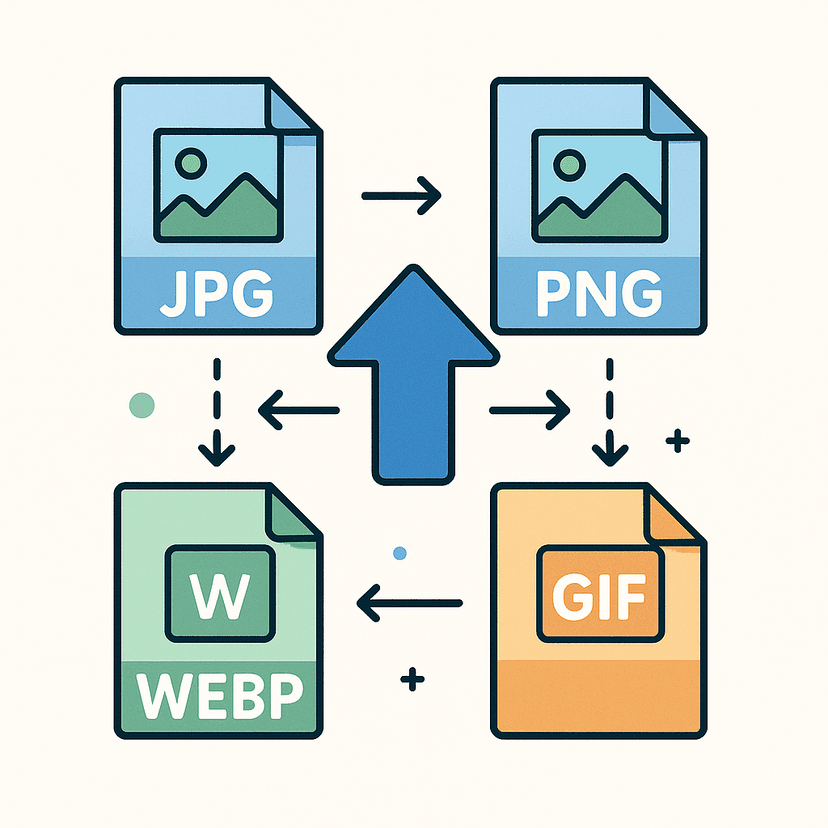
Convert Images Effortlessly
Quickly change your image file type without sacrificing quality. Perfect for web uploads, social media, printing, and more.
Supported conversions: JPG ↔ PNG ↔ WebP, HEIC → JPG, and export to BMP, PDF or SVG.
Preserve Quality Across Formats
Our tool ensures your images maintain their sharpness and vibrant colors, no matter what format you choose.
Enjoy seamless and fast conversions designed for photographers, marketers, and everyday users.
Frequently asked questions
How do I convert an image to another format?+
Upload it, pick the output format — PNG, JPG, WebP, BMP, PDF or SVG — and download.
Can I convert HEIC to JPG?+
Yes. Drop in an iPhone HEIC photo and it's converted automatically; export it as JPG or PNG so it opens anywhere.
PNG or JPG — which should I use?+
JPG for photos (smaller files), PNG when you need transparency or crisp text and graphics, WebP for the best size-to-quality on the web.
Does converting lose quality?+
Converting to a lossless format like PNG doesn't. Converting to JPG or WebP applies compression that you can control.
Where does the conversion happen?+
Entirely in your browser — your images are never uploaded to a server.
Can I convert several images at once?+
You convert one image at a time — the format choice stays set for the next one.